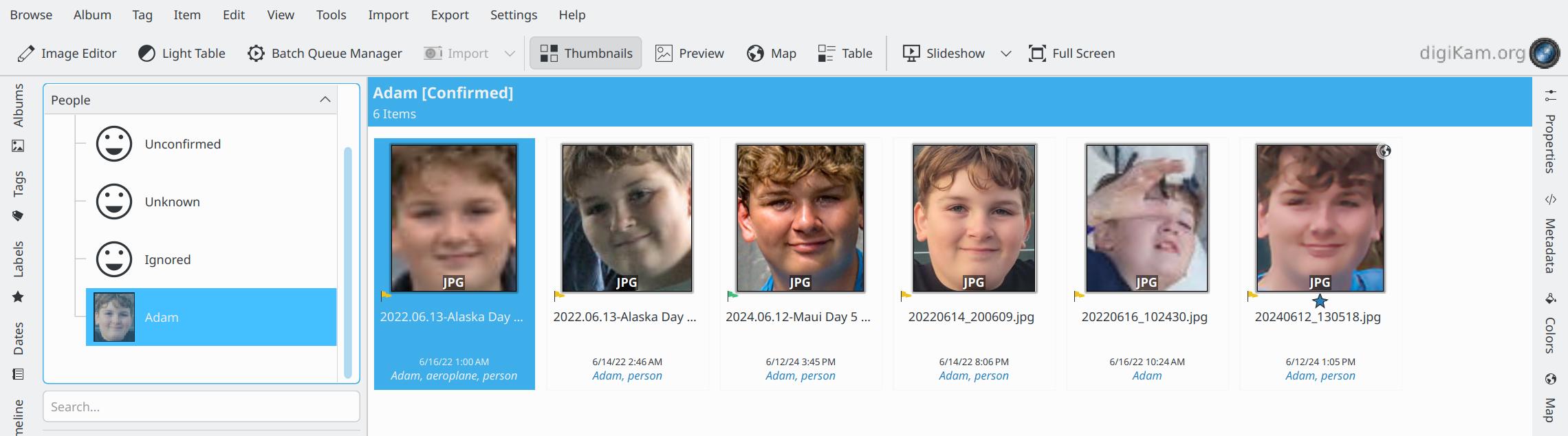
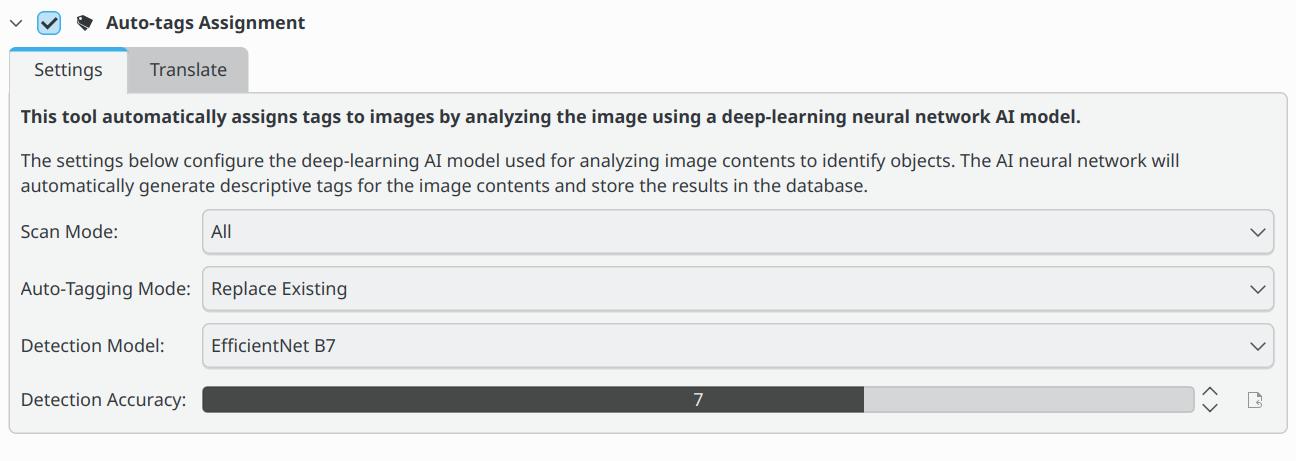
digiKam is a desktop photo manager. After downloading the relevant models, it can detect faces, group similar faces and suggest tags for image content on your computer.
Who is digiKam for?
For people organizing family, event or photography archives, especially when they want to find older photos by person.
Free access
↗
Official downloads are free. Models use your local compute and disk space.
Platforms
WindowsmacOSLinux
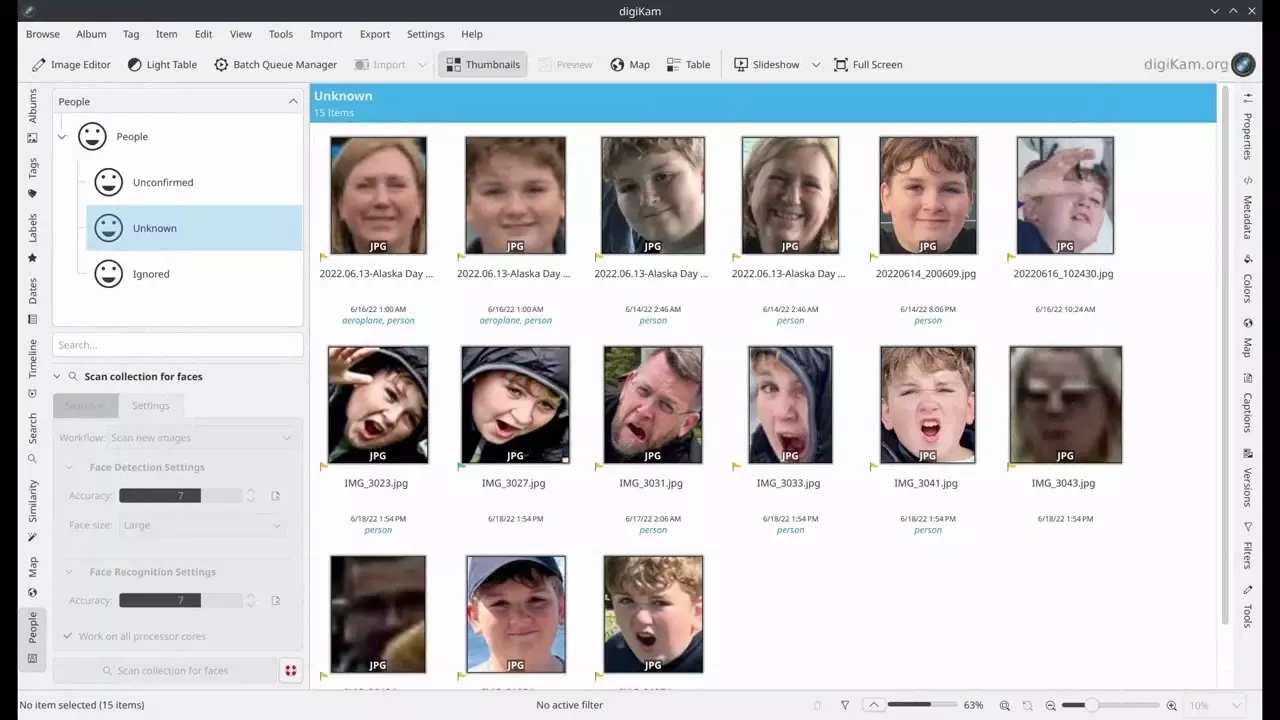
Detect faces in photos
Scan selected albums and review detected faces in People view.
Confirm and group people
Name example faces, then check the similar faces suggested by the model.
Suggest content tags
Choose a deep-learning model to scan photo content, then review its suggested tags.
digiKam
digiKam FAQs
The documented deep-learning models run on your computer after download. Check the settings separately if you use online import or export features.
Start by naming detected sample faces, then review the suggested matches.
Official downloads are available for Windows, macOS and Linux. Check your OS version and chip architecture before choosing a build.



 Windows
 macOS
 Linux